
Hospitals
The Phonalisa IP telephone system can also be found in clinics and hospitals thanks to its reliability and the possibility of redundant installation. In this application scenario, the system must still run in the event of a complete failure (e.g. power failure or lightning strike). By a redundant structure of the system – this is also quite possible. The system is available twice, ideally at two different locations (data centers). If the system fails, it swivels fully automatically to the backup system. Ongoing calls are not separated, only a bridging of a few seconds can be felt.
Connection of further hardware components
Door intercom systems and door opener systems are only two possible components in clinics that can be connected to a Phonalisa IP telephone system. This makes it possible to automatically open the door by pressing the telephone button. If a video telephone is in use, the images from the camera can also be transmitted to the telephone with video-capable door intercom systems.
In retirement homes it is common for residents to carry an emergency call button (usually on their wrist). In the event of an emergency, the button is pressed and the nursing staff can directly assign on the monitor from which room the emergency call comes.
There are many other ways to connect external hardware components to a Phonalisa IP PBX. Please feel free to send us your inquiries!
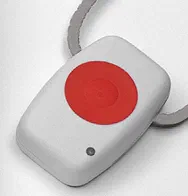
Picture source: Tiptel emergency call transmitter for
ergoVoice CR (869 MHz)
The Intercom-Function (announcements)
With the Intercom function it is possible to make announcements directly to an extension or to an entire group. When installed in a hospital, it is common for all patient telephones to be in the same group. If important information has to reach all patients immediately – you can make an announcement to all telephones of the patients. In addition, extra loudspeakers are usually installed in the corridors and corridors. This can also be connected to Phonalisa and the announcement can be played at the same time.
Screencast: Intercom-Function
Please click on the picture to start the video.
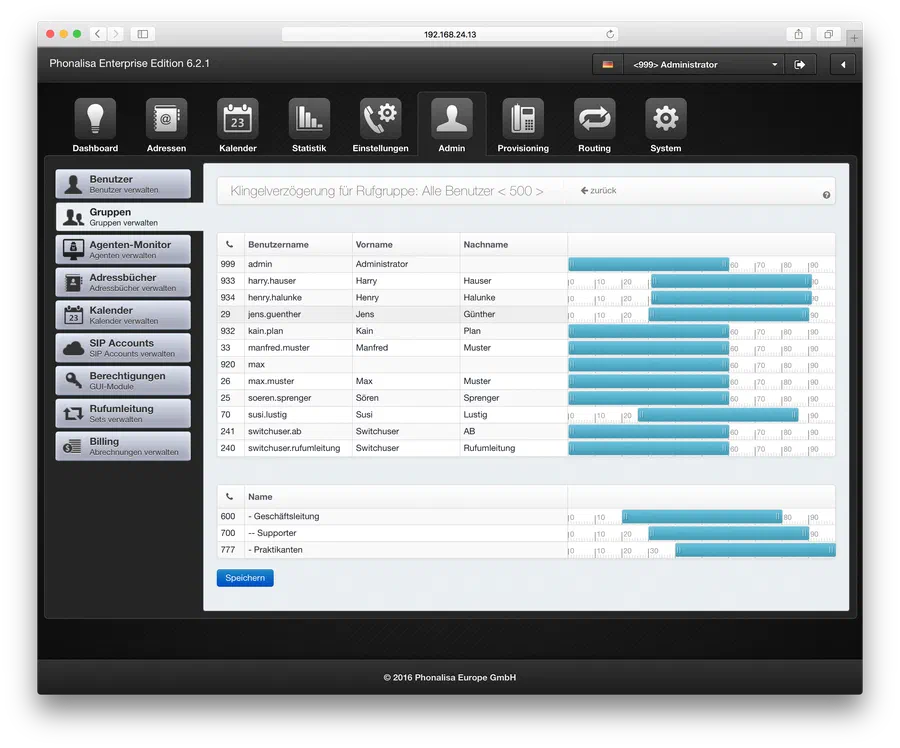 Watch video (YouTube)
In the video, the configuration and execution of the function is performed in an office. The same procedure should be used for a hospital installation.
Examples of terminal devices in a clinic
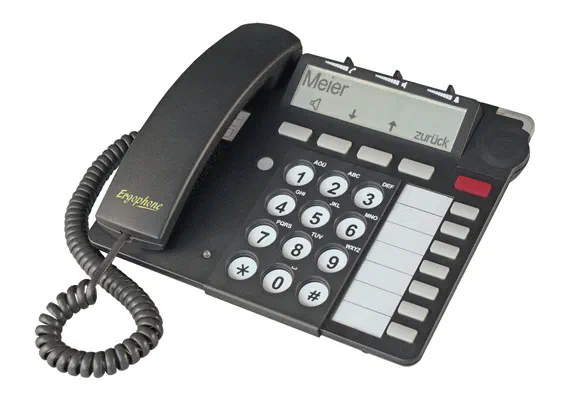
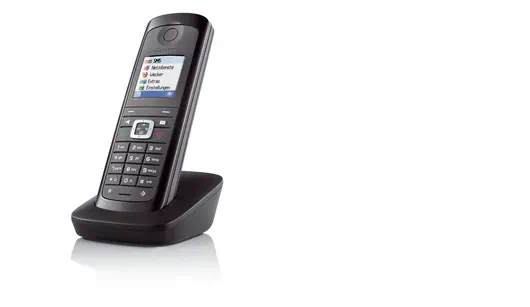
Large key telephone from Ergophone
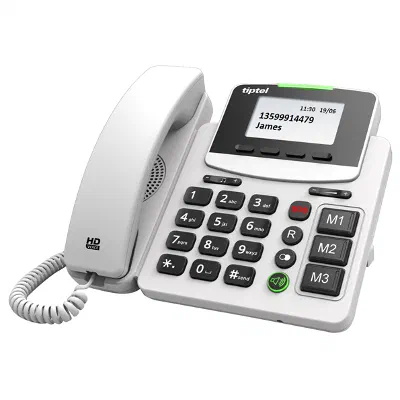
Big button phone from Tiptel
Mobile terminal with splash water protection from Gigaset
Links to related topics
- Blog post: „Speed up communication processes with the help of a Phonalisa IP telephone system“
- Blog post: “Control and optimize accessibility with a Phonalisa IP telephone system”
- Functional overview
- Phonalisa CTI-Client
- Queues and call groups
- Time and date controlled call distribution
- Screencast-Overview
- Price list and version overview
- Terminal device overview
You are planning a Phonalisa installation in your clinic/nursing home
to carry out? We will be glad to help you. Send us your requirements to support@phonalisa.de